Applying for and using CUP Data
v 1.0
Andrew Patterson
Document History
Section titled “Document History”| Version | Date | Who | Change Summary |
|---|---|---|---|
| initial | Nov 2026 | AP | Document steps with screenshots |
Data can be requested by anyone with a login at an Australian education or research institution.
The system that ties together all the institute logins is called AAF (Australian Access Federation).
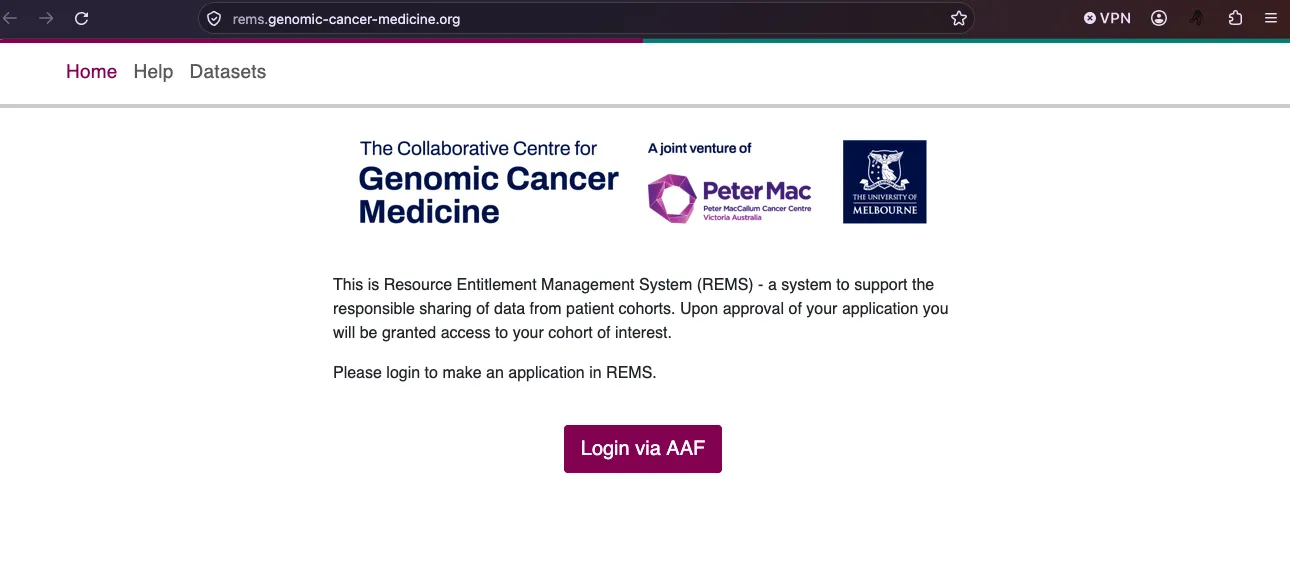
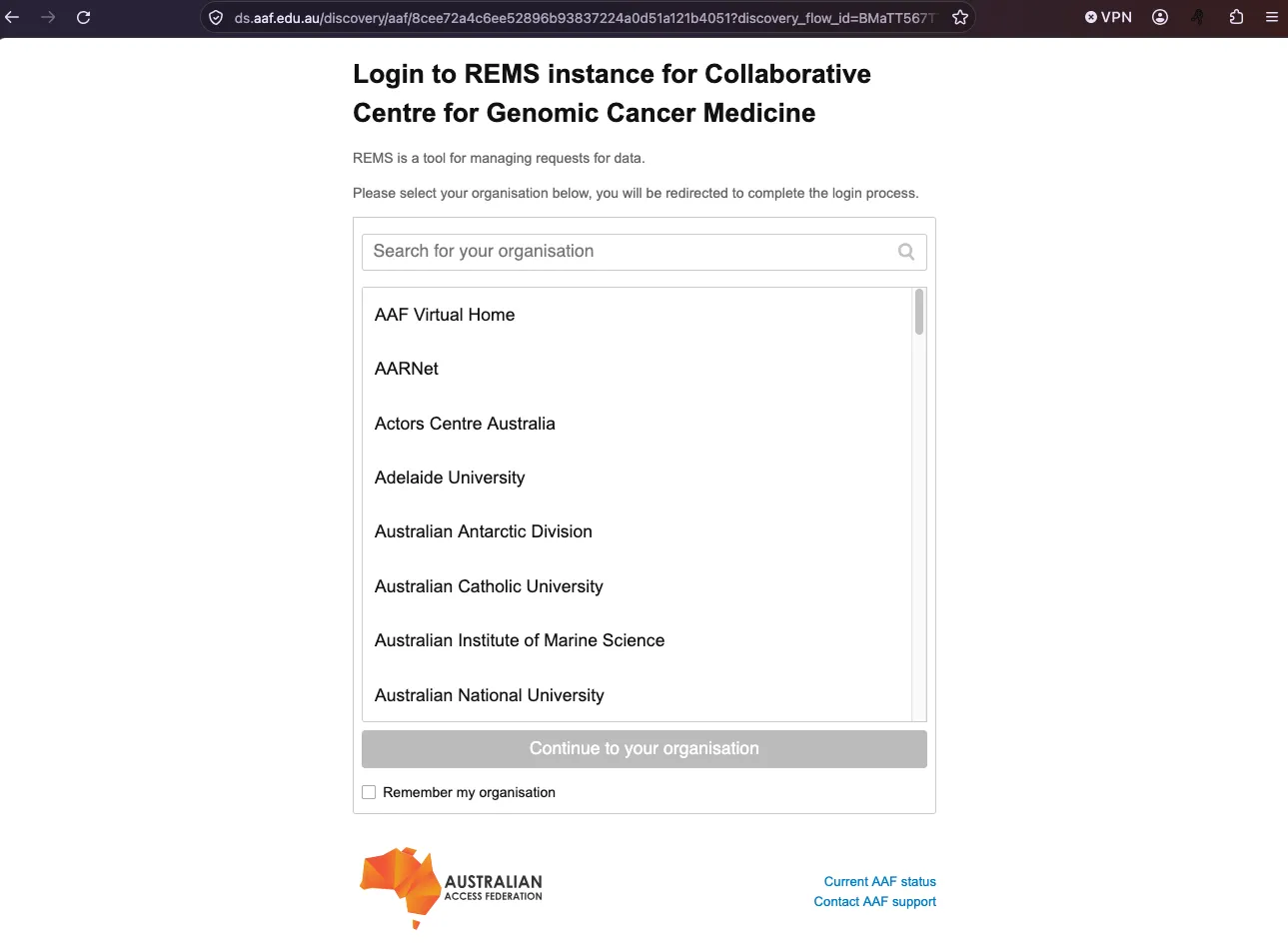
Pick your institution from the list.
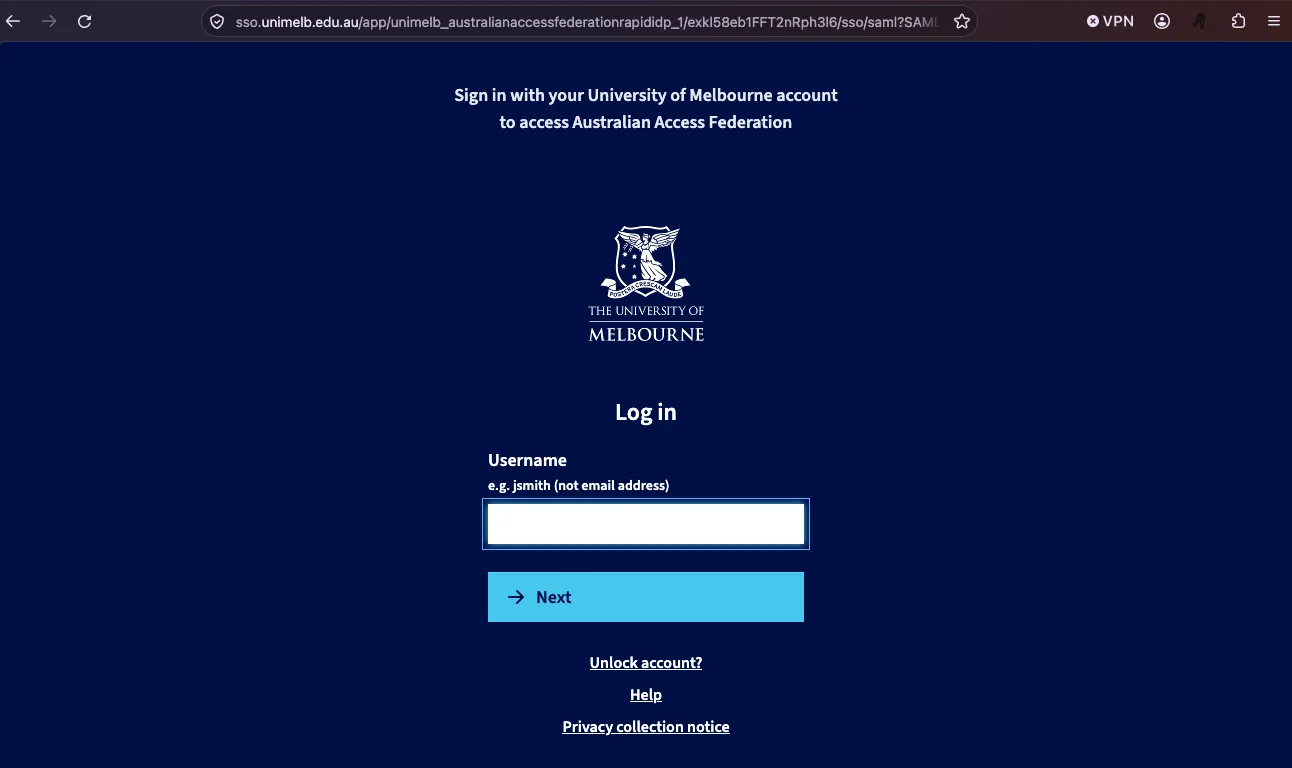
You will be redirected to the login page for your institution. Login normally.
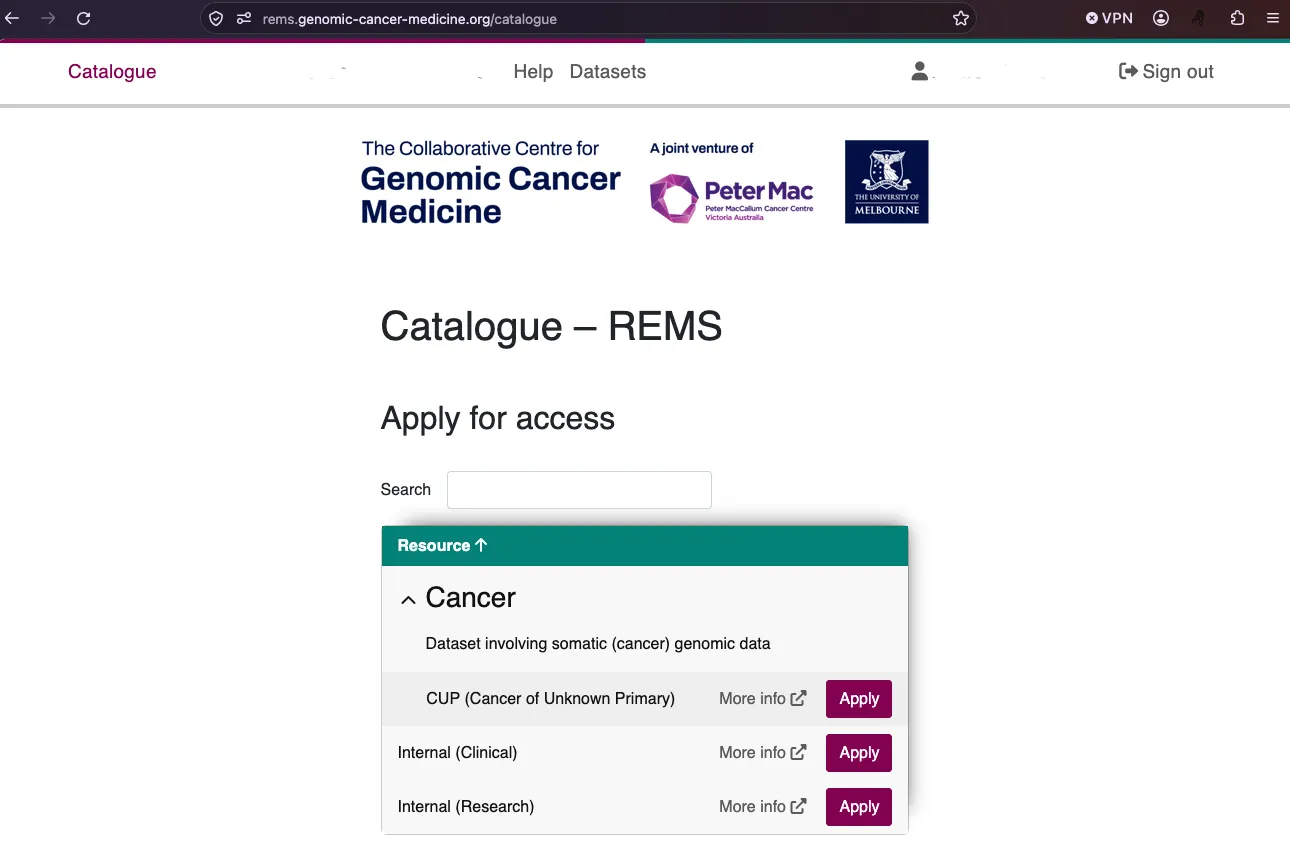
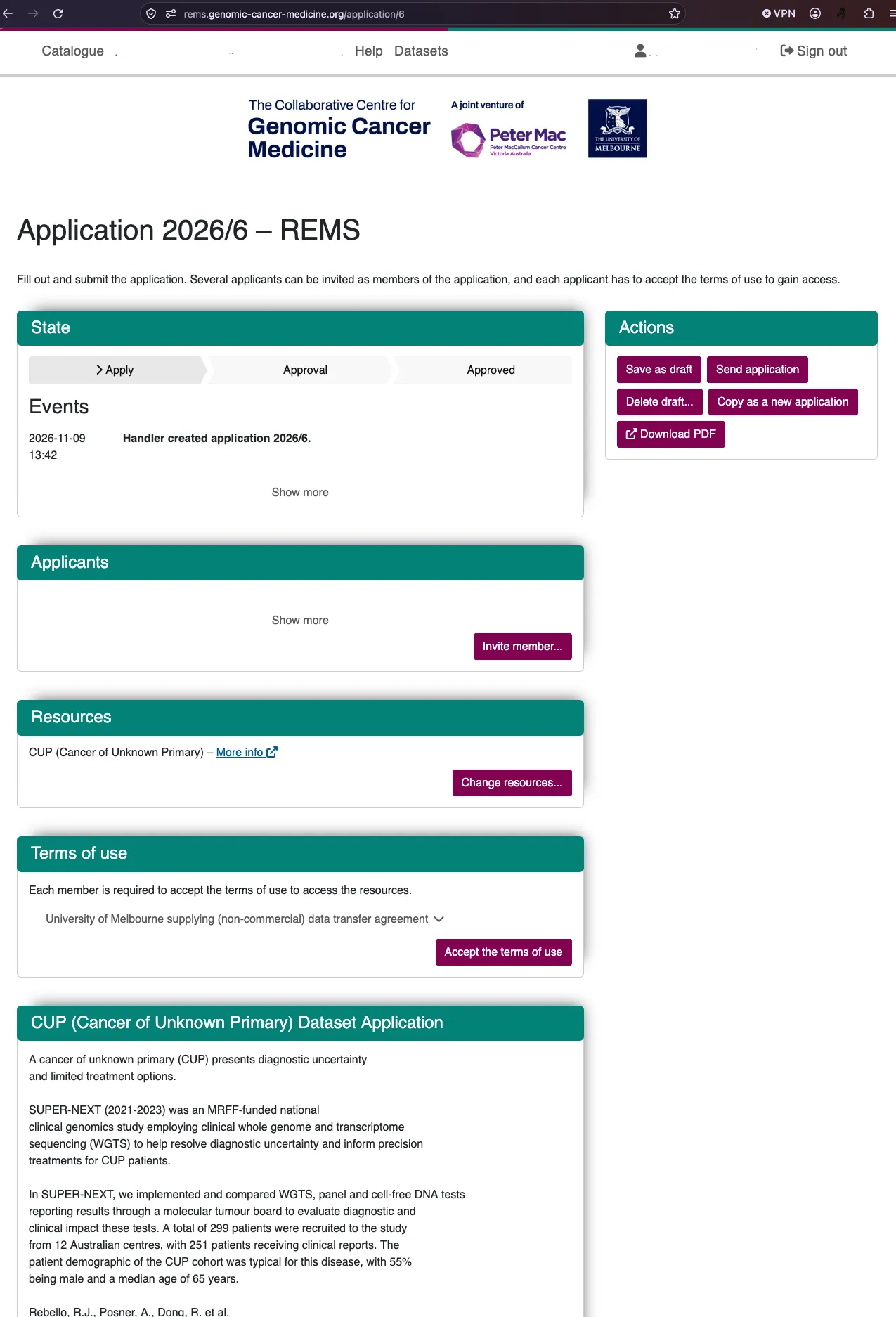
The REMS application will be dealt with by the associated DAC. If successful, the data will be transferred from the University of Melbourne to the requested data sharing location.
For the case shown in the rest of the guide - the location chosen is Seqera running in AWS.
The backend tooling for data sharing is quite sophisticated. Here is example invocation with comments. Note again, this is for the backend (internal staff of the centre) - the actual researcher will not see any of this and will instead just receive an email telling them that the data is available.
The data release is started by caching the relevant dataset from Uni Melb to the hot cache in AWS S3. This process can handle retrieving data from cold storage and the ability to subset data as it is copied to the cache. Cached data can be shared amongst multiple research recipients.
➜ data-releaser stage s3 --dataset-uri s3://unimelb-ceph/cup/                         --instructions-from ../datasets/primary/2025-cup/instructions-small.jsonl
Dataset staging started:  Copy ID:      01M71YX7FFKPV21ZCK3836YESJ  Dataset:      s3://unimelb-ceph/cup/  Bucket:       cache-cup-dataset-<REDACTED>-ap-southeast-2  Key:          arn:aws:kms:ap-southeast-2:<REDACTED>:key/c1fa559f-321b-4d9d-b88f-3a60a122f78c  Execution:    arn:aws:states:ap-southeast-2:<REDACTED>:execution:StepsS3CopyStateMachine157A1409-5xNTDd7ygq6h:01M71YX7FFKPV21ZCK3836YESJ  Instructions: 01M71YX7FFKPV21ZCK3836YESJ/  State:        copying
The copy runs for hours to days and reports its own outcome, which moves it to staged or failed. Nothing is granted to anyone until it does.
➜ data-releaser listMECHANISM  ID                          ACCOUNT  SHARED                         TARGET VPC  CREATED               EXPIRY  STATEs3         01M71YX7FFKPV21ZCK3836YESJ  -        s3://unimelb-ceph/cup/  -           2026-11-10T05:29:17Z  -       copying
Once the data has reached the cache - it must be specifically made accessible from the location the researcher wants to use it. In this case - the data access is pinned to a specific AWS account and VPC (network). This account (and VPC) is one in which Seqera is attached.
➜ data-releaser share s3 --dataset-uri s3://unimelb-ceph/cup/                         --account <REDACTED-SEQERA>                         --target-vpc-id vpc-<REDACTED> --expiry 30d
Dataset released successfully:  Grant ID:    01M723DJCFR55D671BK5XKPNVV  Copy ID:     01M721N825F1N50RJ1YQWFHRBY  Dataset:     s3://unimelb-ceph/cup/  Account:     <REDACTED-SEQERA>  Target VPC:  vpc-<REDACTED>  Bucket:      cache-cup-dataset-<REDACTED>-ap-southeast-2  Key:         arn:aws:kms:ap-southeast-2:<REDACTED>:key/c1fa559f-321b-4d9d-b88f-3a60a122f78c  Expiry:      2026-12-10T06:48:07Z  Deployed:    1 grant(s) on this copy  Applied:     key policy, bucket policy  Manifest:    1 dataset(s) described to account <REDACTED-SEQERA>
We see that the active share is controlled in the backend. Data access will automatically expire on the given date.
➜ data-releaser listMECHANISM ID ACCOUNT SHARED TARGET VPC CREATED EXPIRY STATEs3 01M723DJCFR55D671BK5XKPNVV <REDACTED-SEQERA> s3://unimelb-ceph/cup/ vpc-<REDACTED> 2026-11-10T06:48:07Z 2026-12-10T06:48:07Z granteds3 01M721N825F1N50RJ1YQWFHRBY - s3://unimelb-ceph/cup/ - 2026-11-10T06:17:22Z - stageds3 01M71YX7FFKPV21ZCK3836YESJ - s3://unimelb-ceph/cup/ - 2026-11-10T05:29:17Z - failedThe researcher receives an email telling them the data is available and where to login. They will be using Jupyter notebook in a Studio in Seqera.
We note that the dataset is available direct via S3 (using any standard AWS client tools) without any extra authentication. Because this Seqera workspace is the only one assigned to this AWS account and VPC - the permissions on the Seqera workspace effectively control access to the data. There is no other authentication needed.
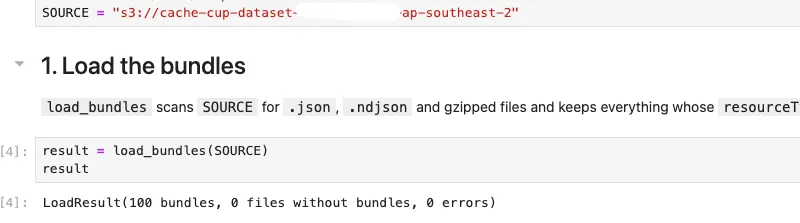
The researcher starts by loading all the accompanying patient records in FHIR.
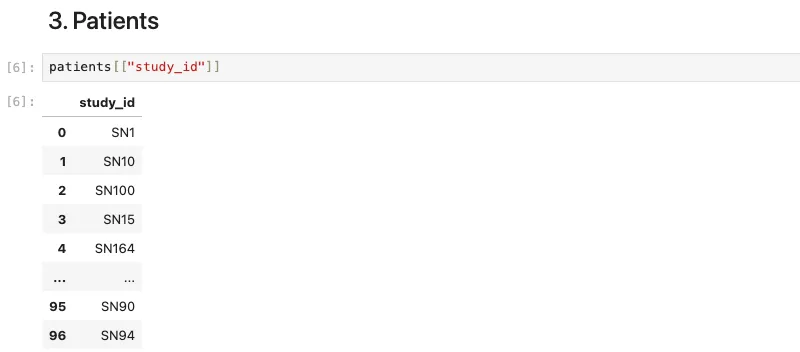
Depending on the researchers knowledge of FHIR - a variety of Python helpers can be provided to process the data. Here the data is transformed into a Pandas dataframe.
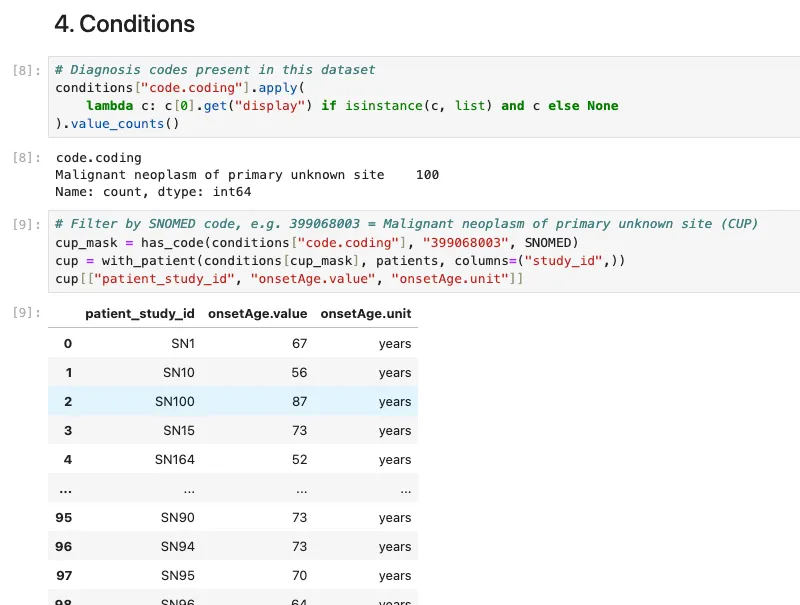
With some advanced health informatics experience - the researcher can take the chemotherapy medicinal substance list - and convert it to the list of branded products available in Australia (at this point they are just showing off).
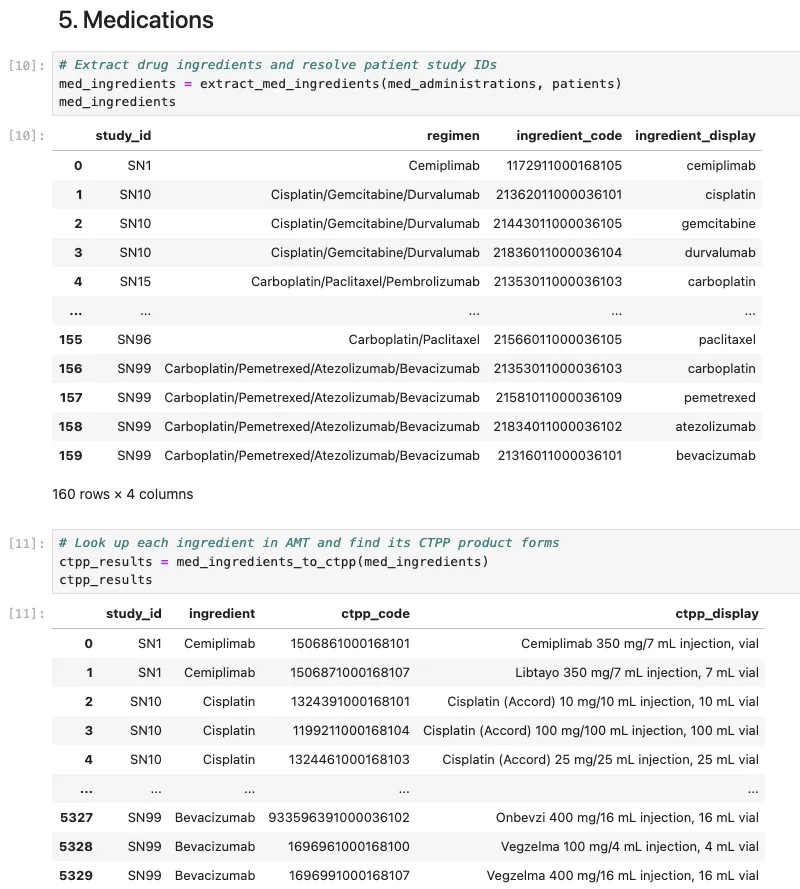
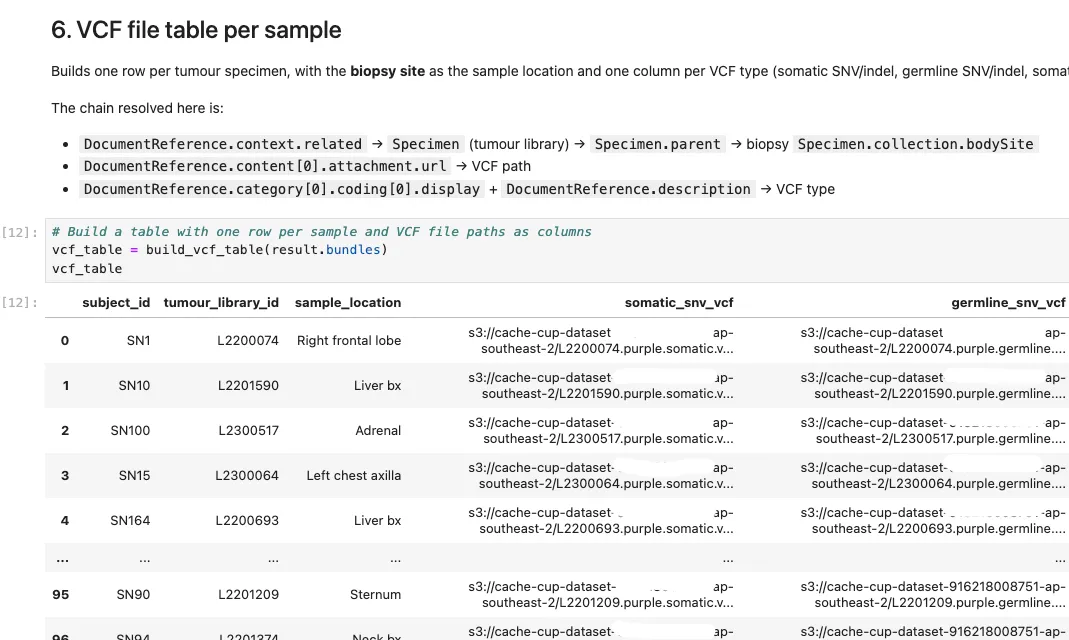
Finally, the FHIR data has references to all the genomics files. These could be used as inputs into Seqera workflows or processed directly in the notebook.